For iPhone & iPad
A paper form.
Filled in minutes.
Scan the page. Tap to type. Add your signature. Send back a clean PDF that still looks like the original form.
 Coming soon
US $9.99 onceAll features. No subscription.
No account required. Document processing stays on your device.
From paper to PDF
Finish the form where you are.
School paperwork, event forms, permission slips. A simple workspace for the forms life hands you.
Bring in the page.
Scan with your camera, choose a photo or import a PDF. Review the crop and choose a clean document finish.
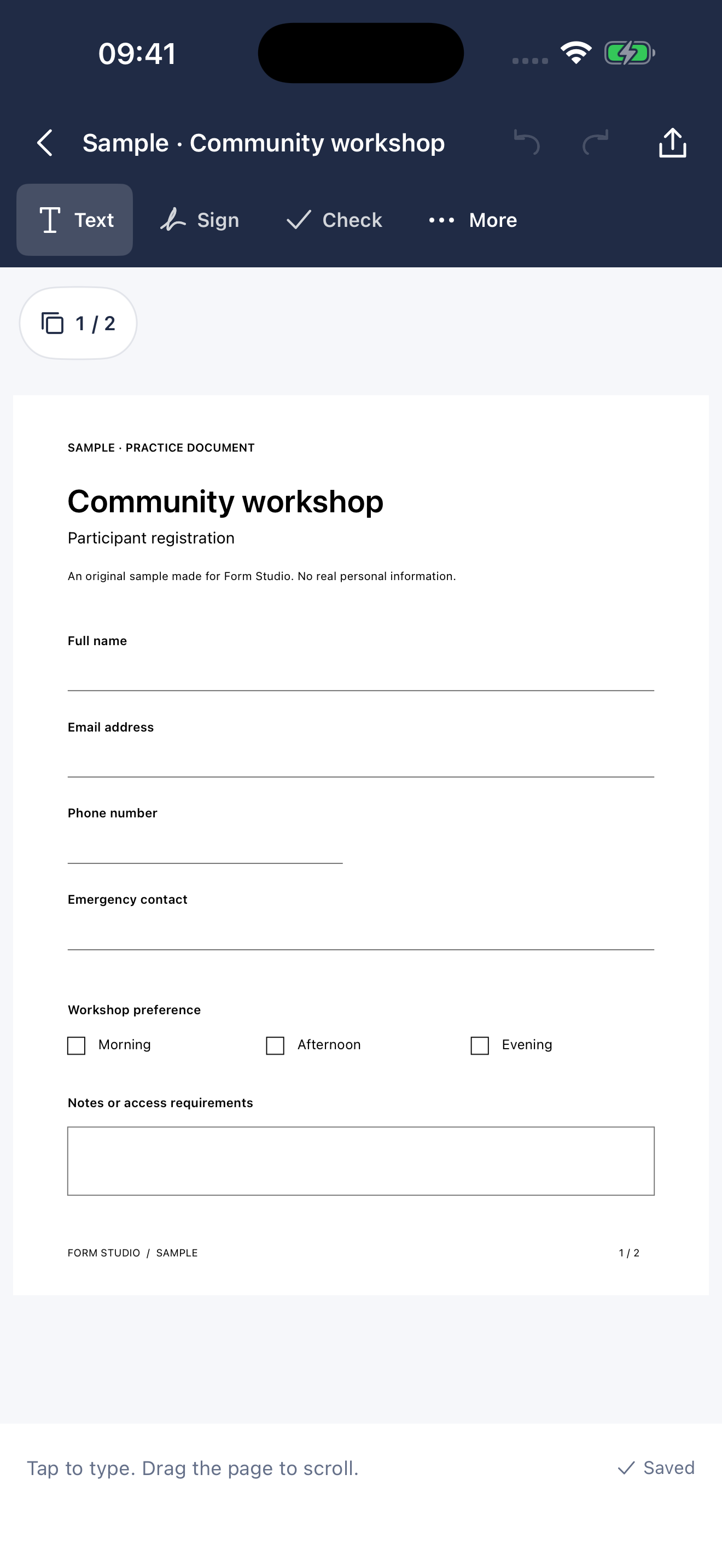
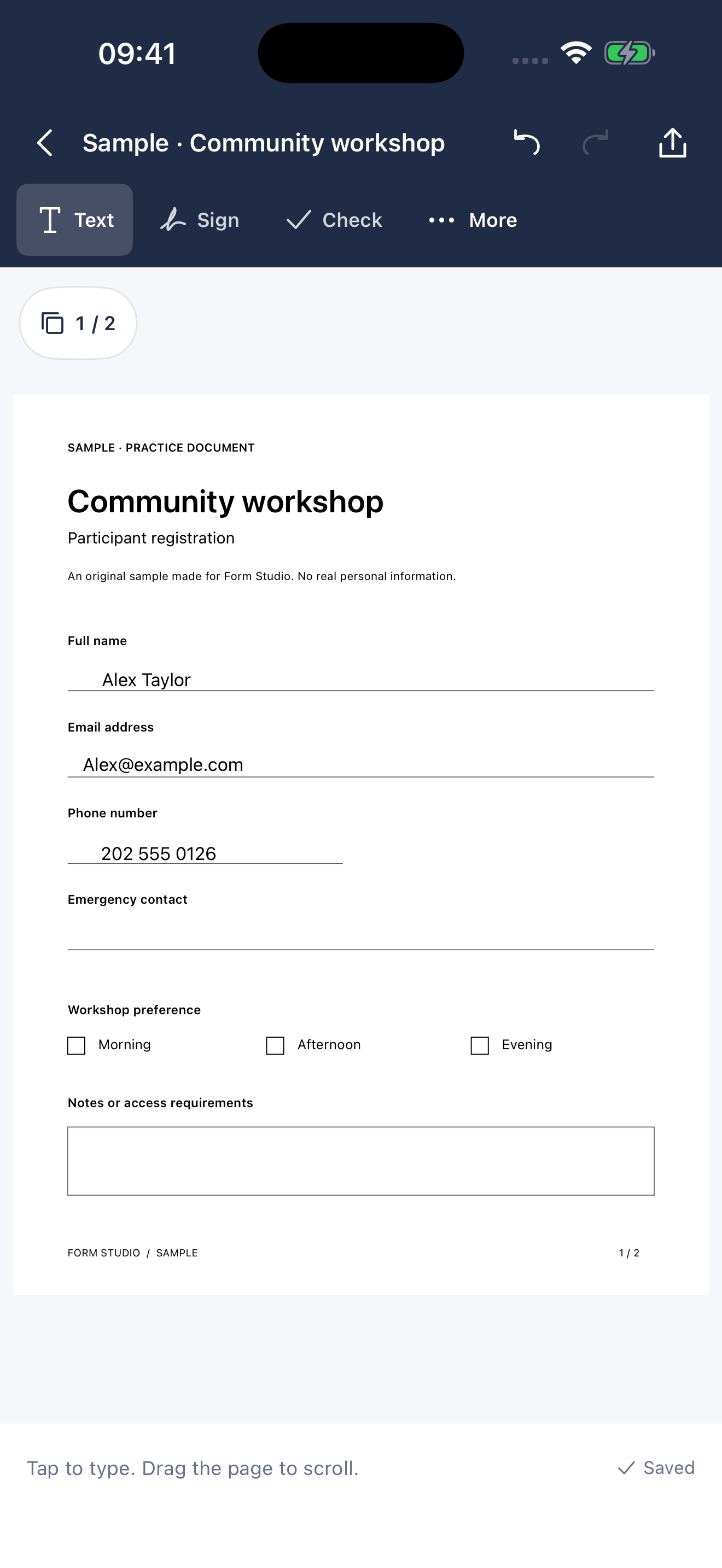
Put the answer in place.
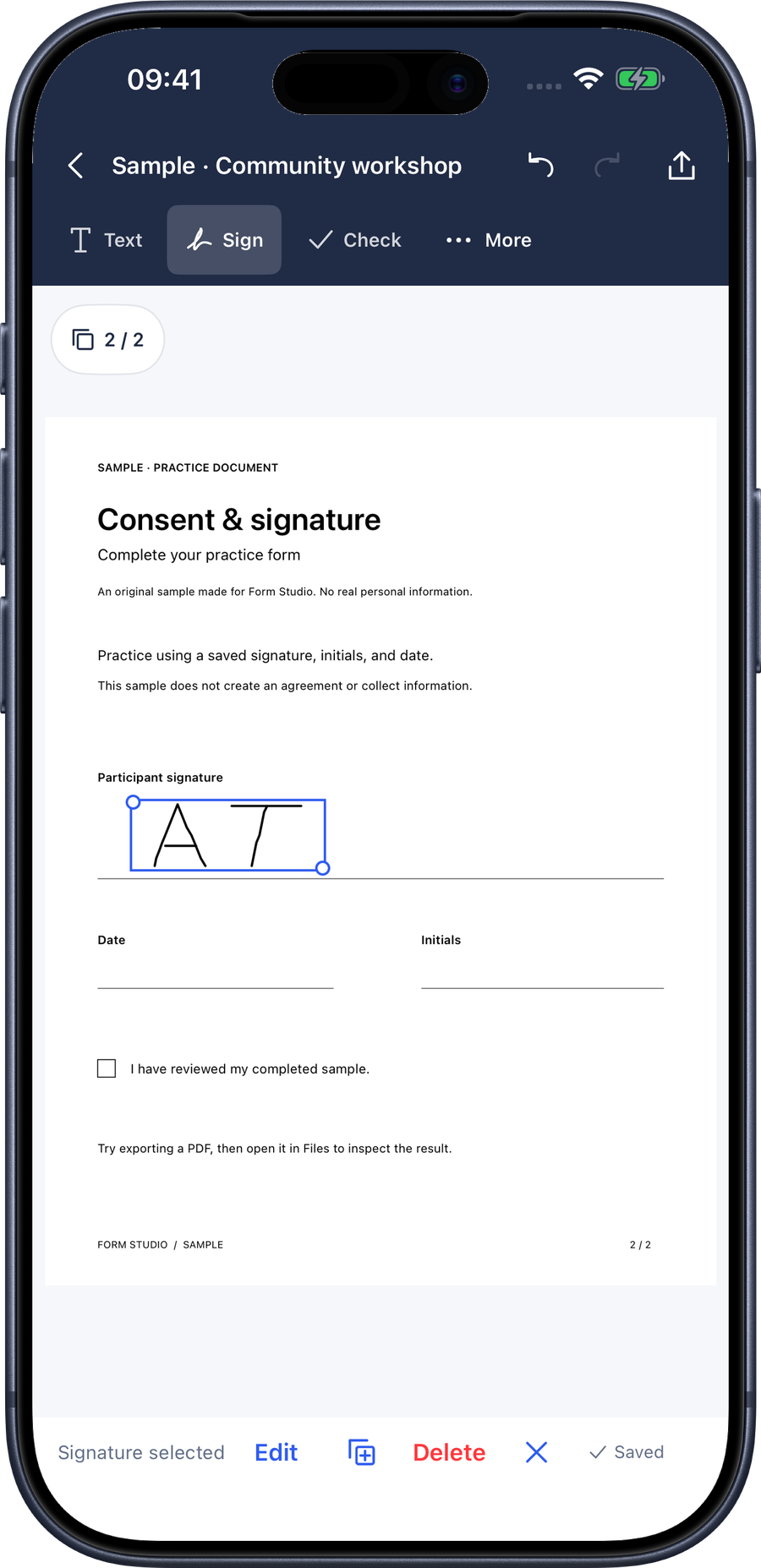
Tap the paper and type. Add checks, dates and a signature, then move, resize or angle them to fit.
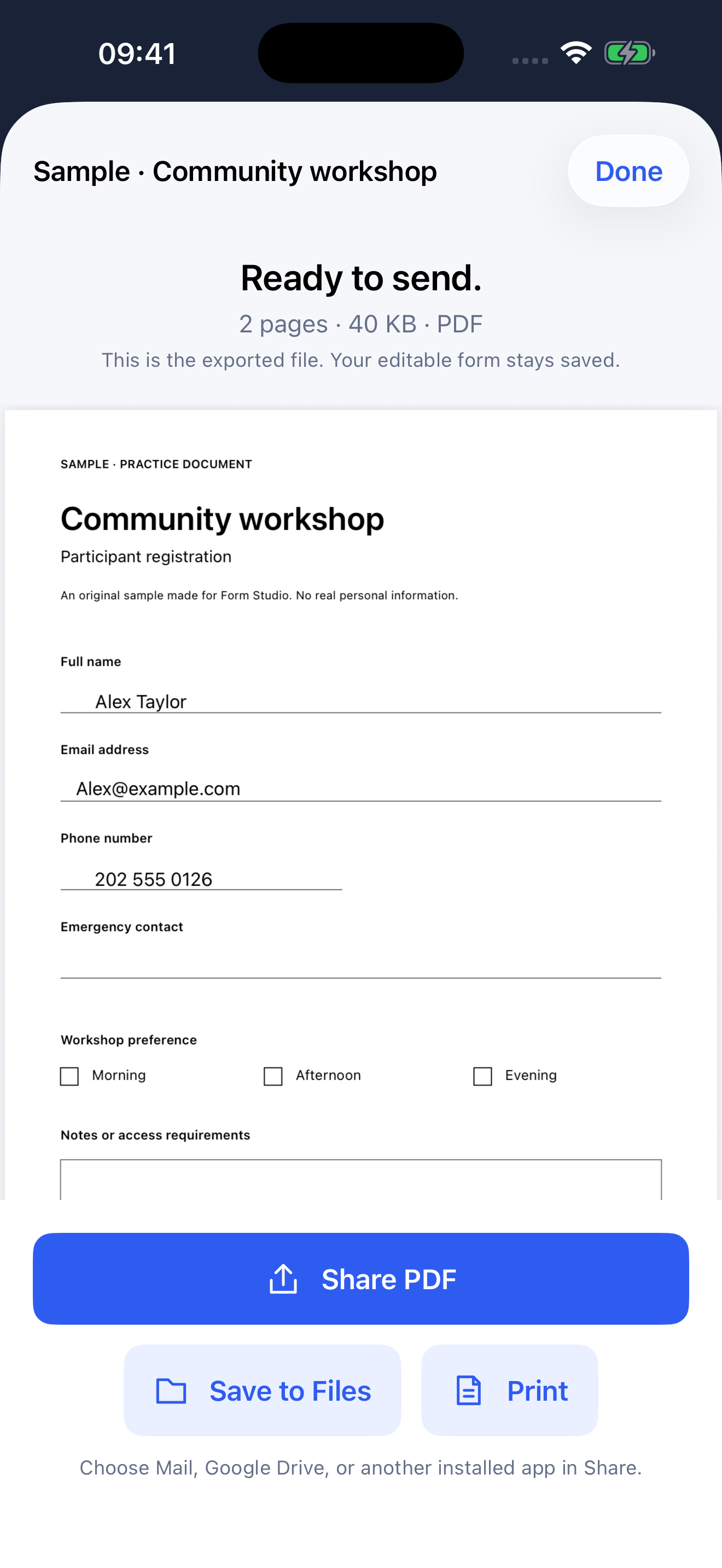
Send a finished PDF.
Check the exact PDF preview. Save to Files, print or share through the apps you already use.
Made for real paperwork
The form stays familiar.
The work gets easier.
- Your page, intact
- Keep the original layout. Your answers sit over the document instead of rebuilding it from extracted text.
- Help when you want it
- Find possible fields with on-device recognition, or place a text box exactly where you need it. You review every answer.
- Private by design
- No cloud processing, account or advertising in the app. Export or share when you’re ready. Your device’s backup settings still apply.
- Keep it organized
- Use folders, duplicate reusable forms, reorder pages and keep signatures for next time. Trash gives you a chance to restore a form.
A few useful details
Before you start.
Does Form Studio need the internet?
Scanning, filling, signing and creating PDFs work on your device. Sending a PDF through email or a cloud storage app uses that app’s connection and privacy settings.
Can I start with a photo or an existing PDF?
Yes. Import from Photos or Files, or scan with your camera. Photo imports let you review the corners and choose Original, Clean or Mono processing. Keep a readable original for the best results.
Will it find every field automatically?
Field suggestions are a starting point. Review them before placing answers. You can always tap anywhere to type, draw a text box or place a signature manually.
Is this a subscription?
No. The planned U.S. App Store price is $9.99 for a one-time download with all features included. There are no in-app purchases or subscriptions. Local prices may vary.